
How Can We Help?
How to make a money transfer
To transfer money to your recipient, you must have sufficient funds in your eWallet. If your eWallet balance is insufficient, you need to perform a conversion first, i.e., sell or buy the required currency.
Once the conversion is complete and your eWallet balance has been credited with the required currency, click Payments (top bar menu), then click the green New payment button.
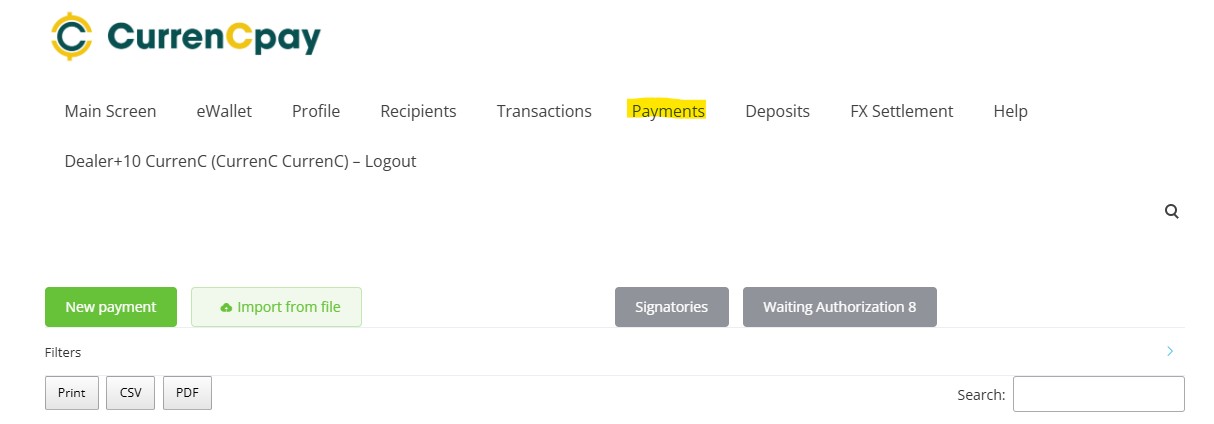
Then select the currency, enter the payment amount, select a Recipient from the saved recipients list, and enter the Reason and Reference. If your recipient details haven’t been created and saved previously, click on the Recipients tab (top bar menu), click on +Add new banner, and complete the recipient details in the information form, then click on the Save button.
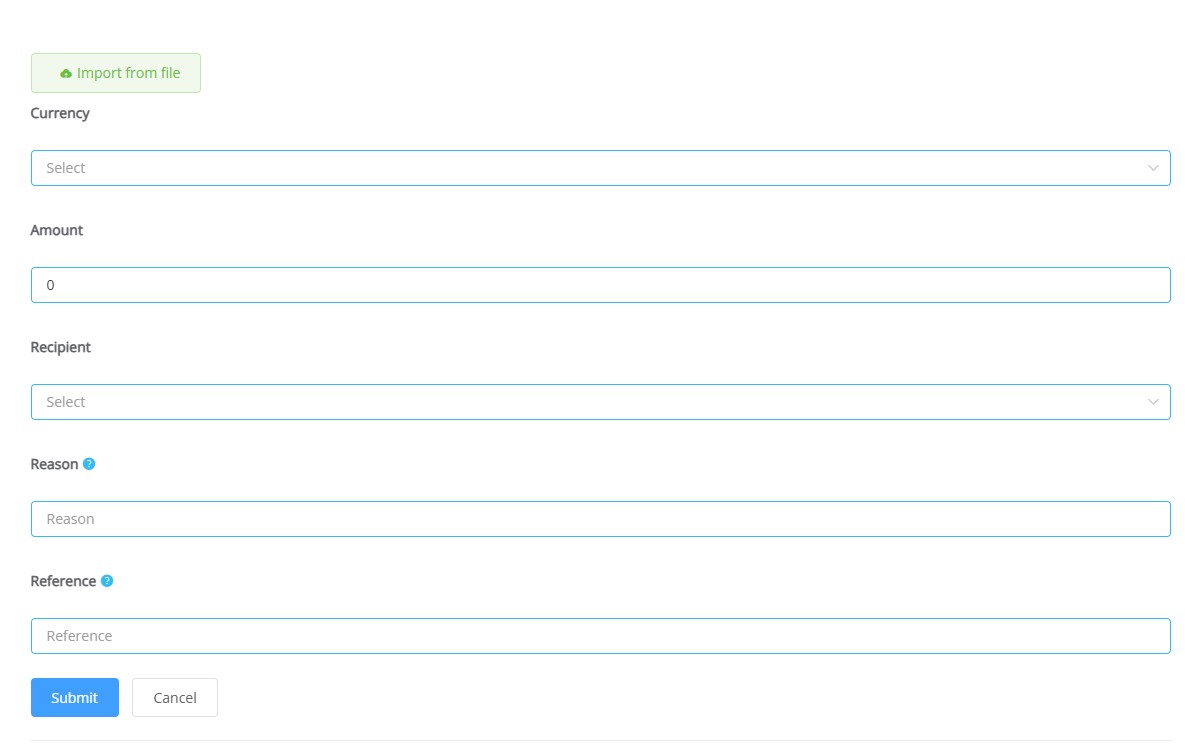
You can also import payments from a file by uploading a completed template file.
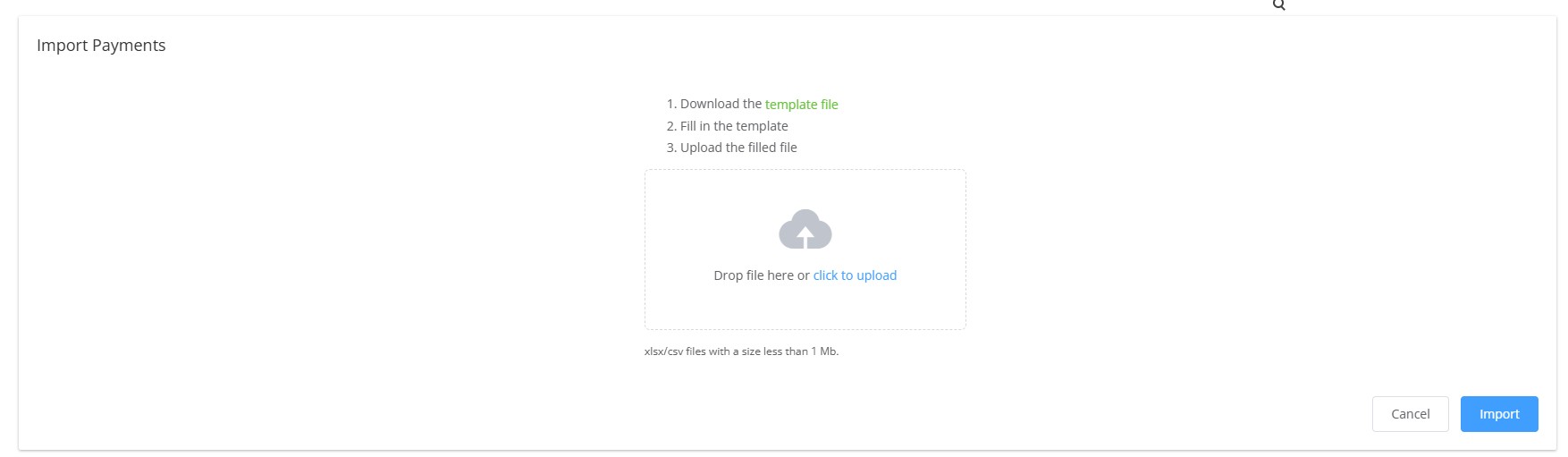
Firstly, download the template file and populate it with the payment details. Now, you can upload your file.